
Agent Status Tab
See each agent's live status and workload, adjust their chat capacity on the fly, and assign callbacks.
Before you begin
The Agent Status tab shows a card for every agent who can handle chats, so you can see your team's live workload and react when the queue is backing up.
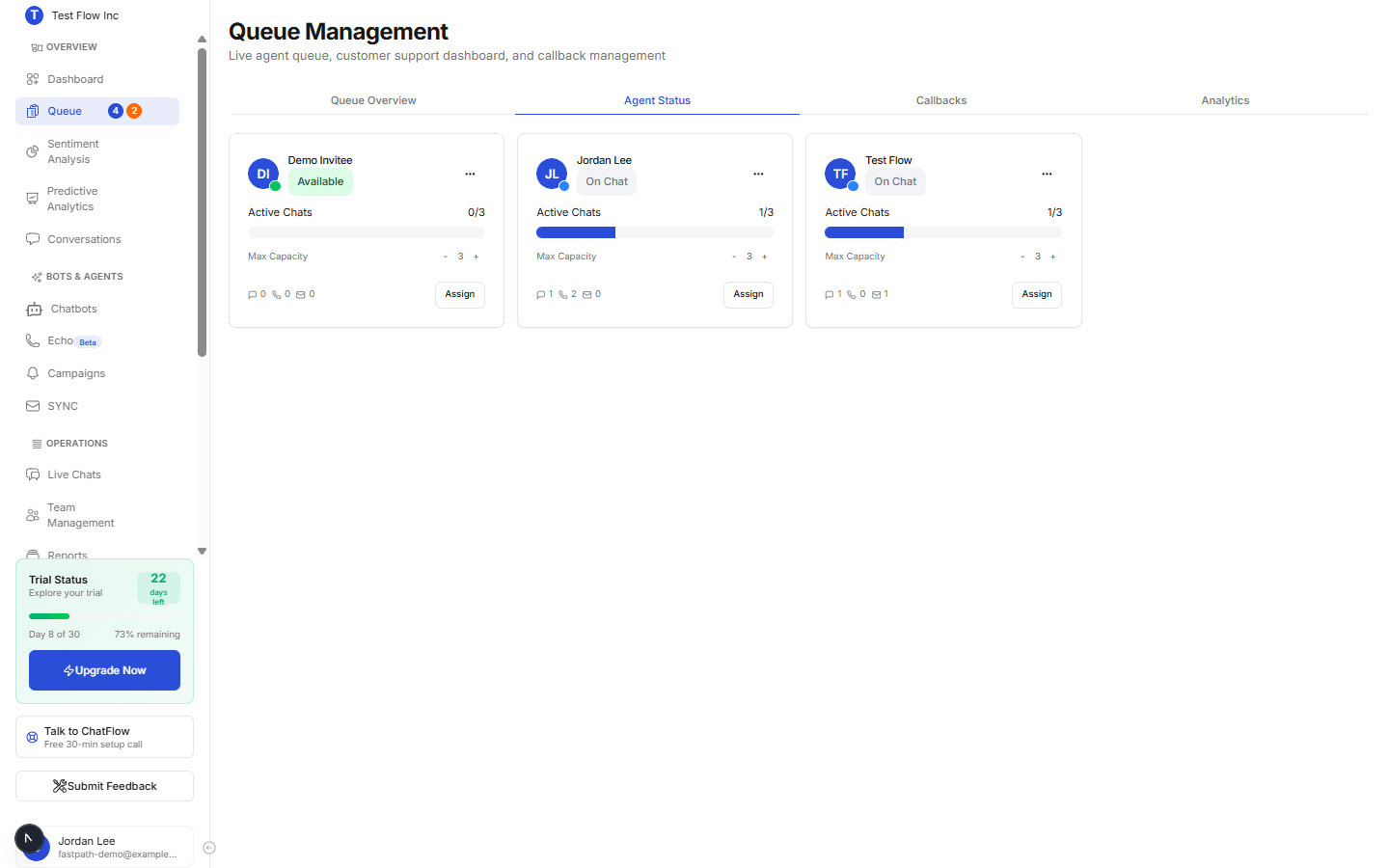
What each agent card shows
| Element | What it means |
|---|---|
| Status | A coloured dot and label: Available, On Chat, Away, or Offline. |
| Active Chats | How many chats the agent is handling now, against their limit (for example 1/3), with a progress bar. |
| Capacity controls | The − and + buttons to change the agent's chat limit on the fly. |
| Today's stats | Chats handled, phone callbacks completed, and email callbacks completed today. |
| Card menu | A shortcut to Team Management for that agent's full settings. |
Adjust capacity on the fly
Use the − / + controls
Select + to let an agent take one more concurrent chat, or − to lower their limit. This is a quick, in-the-moment adjustment for a busy spell.
On-the-fly vs durable settings
The − / + controls here are for the moment. To set an agent's standing chat limit, working hours, priority, and assigned chatbots, use Manage Agent Settings in Team Management. Agents set their own live status (Available, Away, and so on) from Live Chats.
Assign a callback from an agent card
If an agent has capacity, their card shows an Assign action you can use to hand them a pending callback. This is a supervisor-style override that assigns the callback even if it would put the agent at the top of their range, so use it when you need a specific person to take a call.
Verify it's working
- Open Agent Status and confirm each agent's status and Active Chats match reality.
- Select + on an agent and confirm their limit increases.
Troubleshooting
An agent is missing from this tab
Only agents who can handle chats appear here. Turn that on for them in Manage Agent Settings. An agent who is Offline still appears, but greyed toward the bottom.
Capacity changes here didn't stick
The − / + controls are a live adjustment. For a permanent limit, set it in Manage Agent Settings.